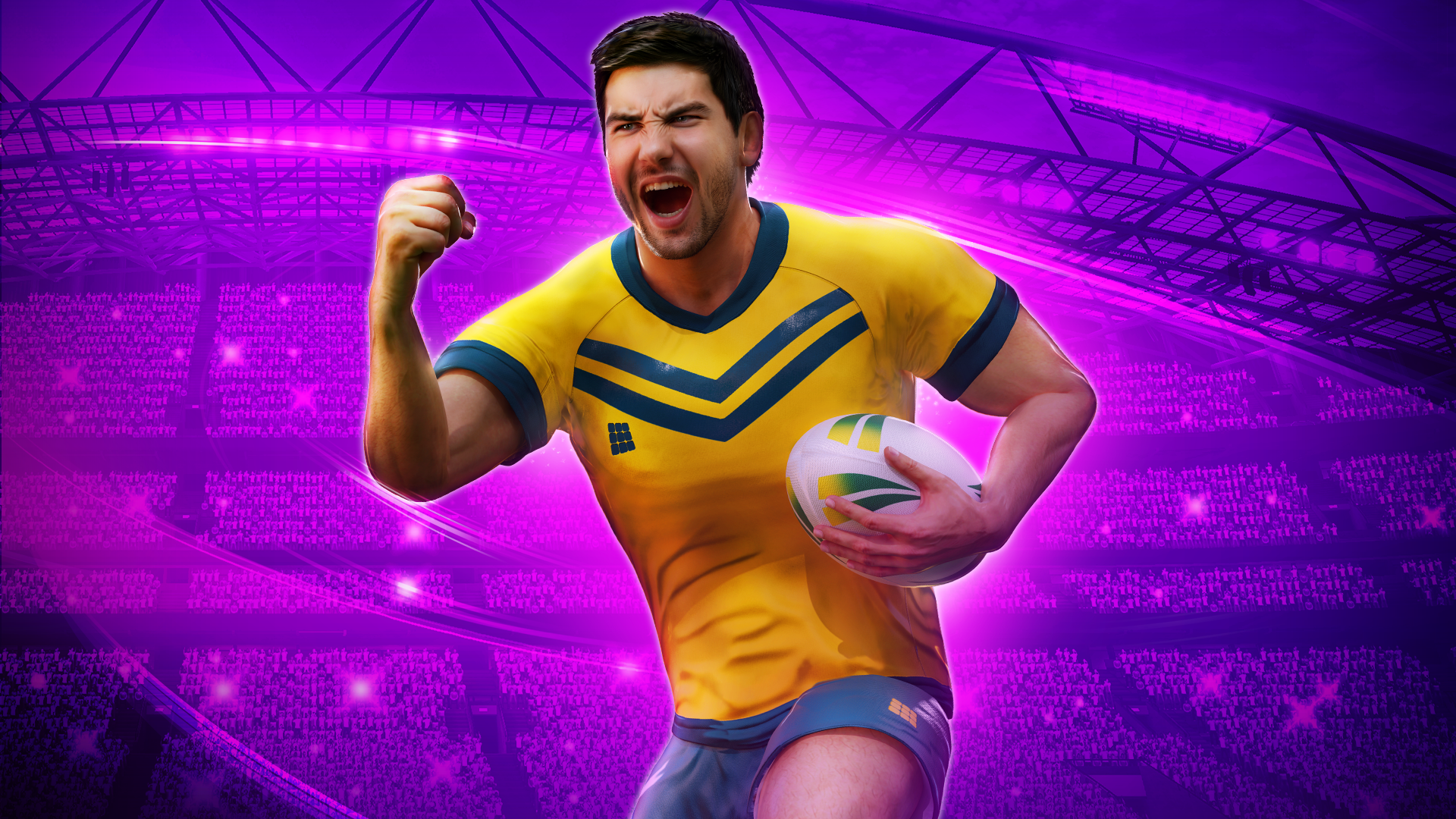

Rugby Nations 2013 Dev Diary – Part 2

Each week we’ll be revealing details about the development of Rugby Nations 2013 which is set for release later this year on iPhone, iPad and Android.

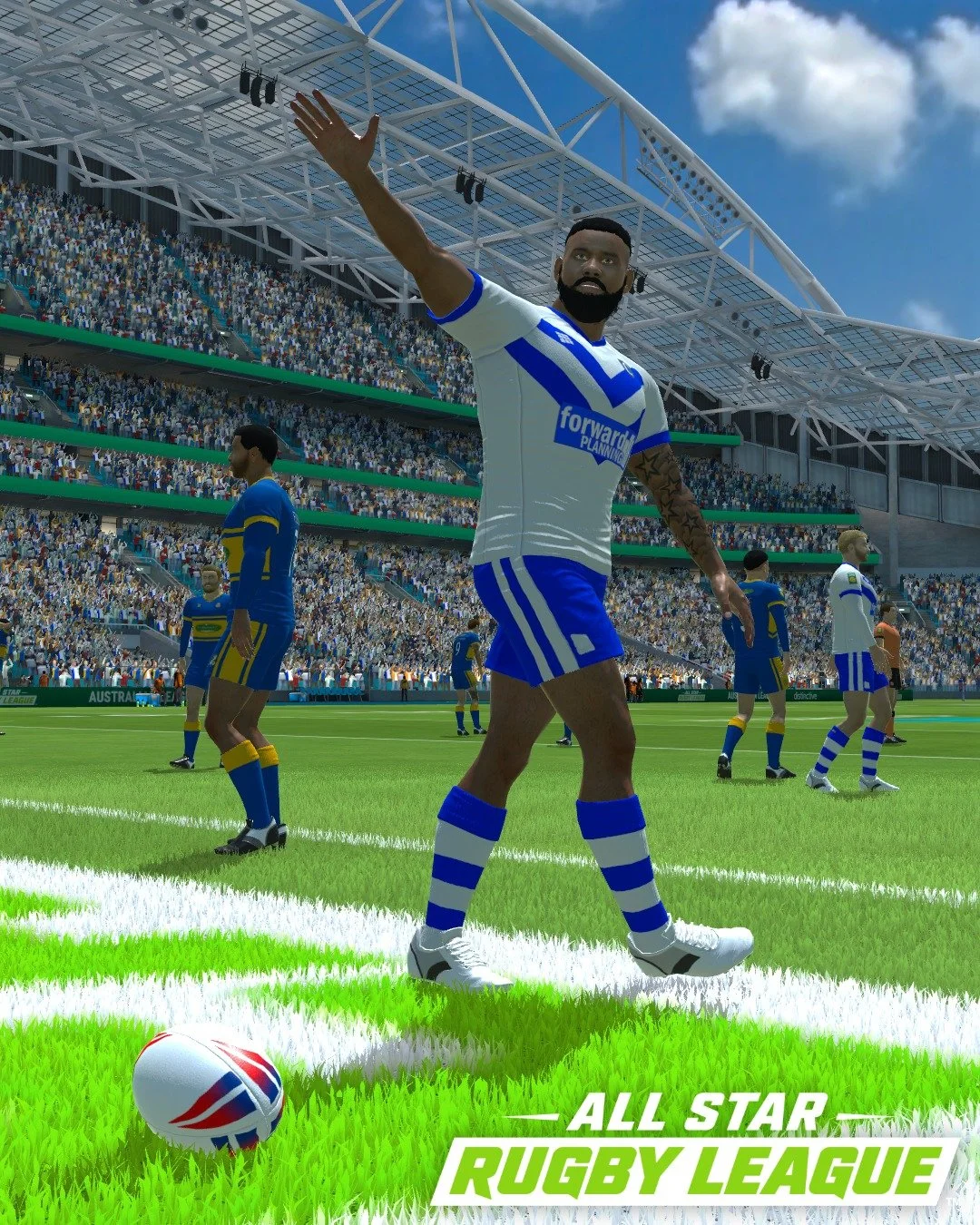
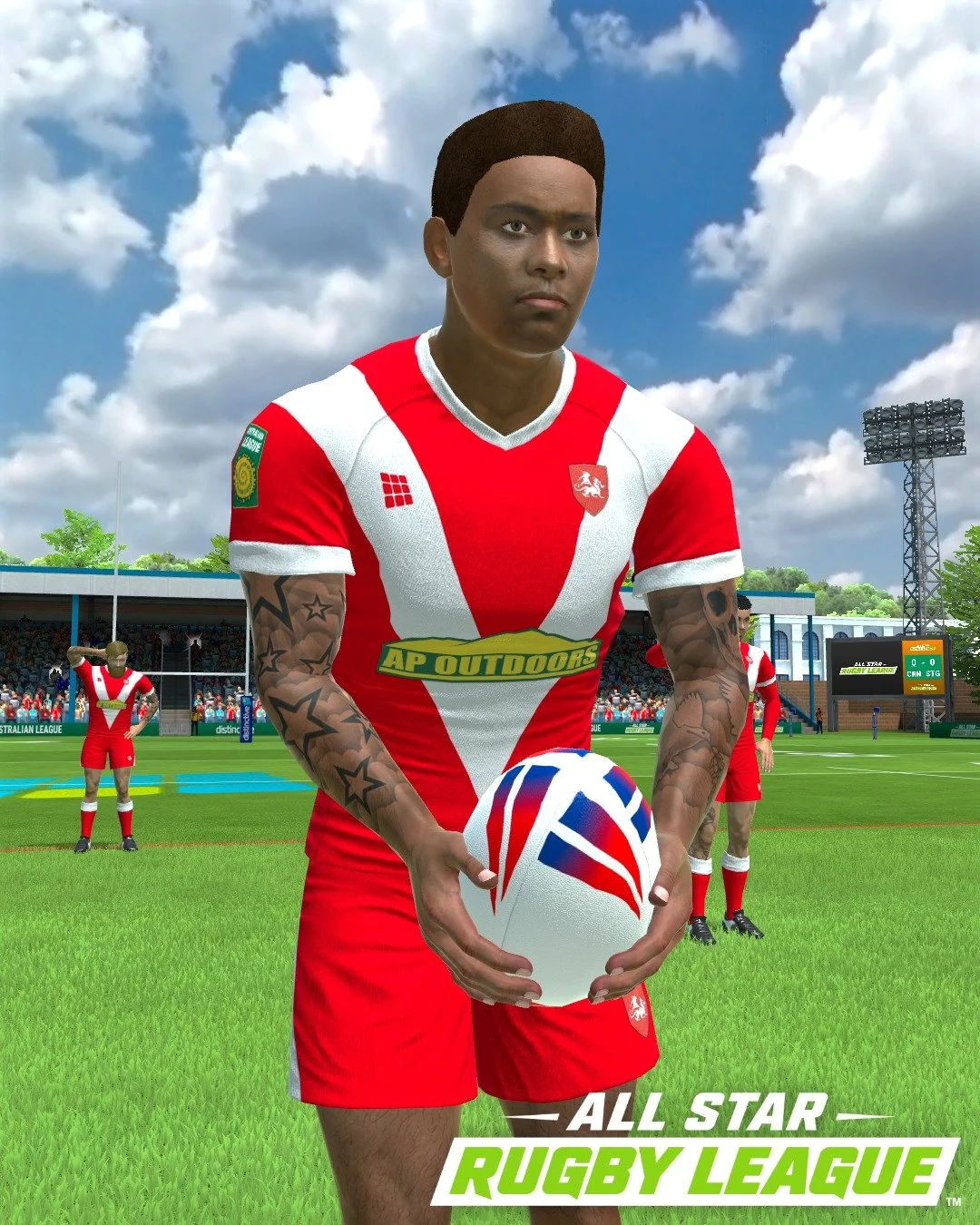
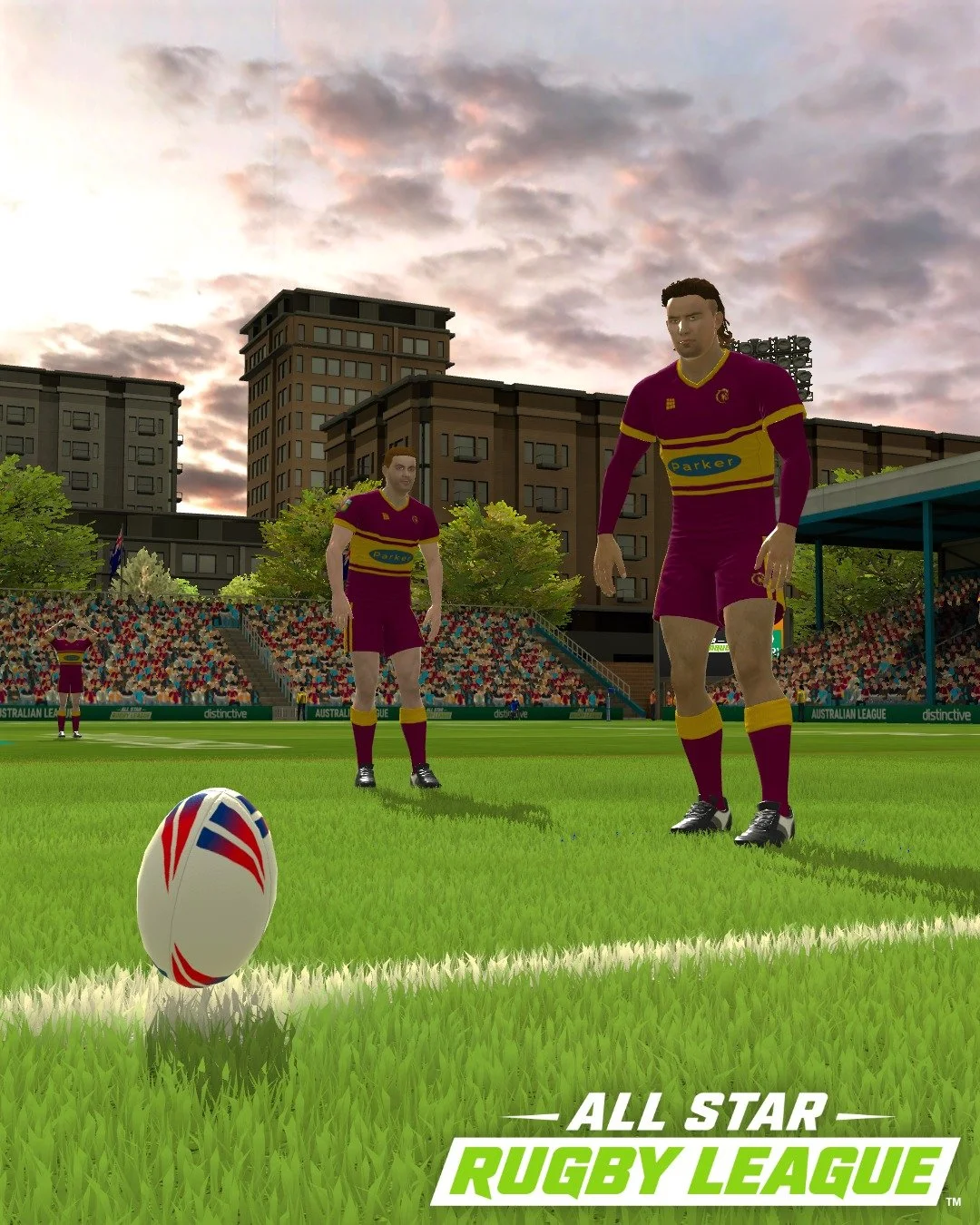
This week I want to show you some of the work we have been doing on the 3D models of the rugby players.

At the outset of the project we thought long and hard about how to make a big leap forward in the quality of the game visuals without compromising the speed of the game.

Z-Brush 2.5 Million Polygon Model

One of the downsides of simulating Rugby, as compared to Football or other team sport, is that Rugby has 15 players per team and therefore the game has to render a total of 30 players (as compared to 22 for Football) without mentioning referee and linesmen. Unfortunately, this means that we are more limited in the amount of detail we can put into each player and still have a smooth ‘frame-rate’.

However, through a mixture of improving the efficiency of our rendering code and a big improvement in the capabilities of phones and tablets in the last year means that we can significantly improve the player details.

To make this improvement, this year, we have taken a completely different approach to creating the player visuals. The technique we are using this year has typically been reserved for console & PC games. But, due to the performance of phones such as the iPhone 4S and Galaxy S3 we can start to bring these techniques over to mobile development.

Let’s look at the technical process we have to go through to create the player visuals:

Step 1 – Low Detail Modelling
We create a low detail (low polygon count) model in 3D Studio Max. We carefully craft this so that it shows the large details of the player such as fingers, shirt, boots, socks and face. Also, we make sure that there is enough detail around the major joints such as elbows and knees. In our case this is a 2000 polygon model.

Step 2 – High Detail Modelling
We take the low detail model from the previous step and bring it into a great tool called Z-Brush. Here we add all the fine details: clothing creases, boot laces and muscle definition. We even add stitching to the clothing and wrinkles to the player’s face. Having done this the new model is over 2.5 million polygons!

Finished Normal Mapped Player in 3D Studio Max

Step 3 – Normal Mapping
Now, the current crop of smartphones are powerful but even those cannot display 3D models containing 2.5 million polygons. We therefore use a magical technique called ‘Normal Mapping’ that allows us to draw the player with the detail of the 2.5 million polygon model but only using 2000 polygons.

Normal Mapped Player on iPhone


It’s a fairly complex process but the results are excellent and it’s going to really make the new game a beautiful to look at. Hopefully soon we’ll also have some players with hair! :)

Next week we’ll be covering how we’ve been planning the AI of the game so the it plays as good as it looks.

This entry was posted in Uncategorized. Bookmark the permalink.

Leave a Reply

Your email address will not be published. Required fields are marked *

*

You may use these HTML tags and attributes: <a href="" title=""> <abbr title=""> <acronym title=""> <b> <blockquote cite=""> <cite> <code> <del datetime=""> <em> <i> <q cite=""> <strike> <strong>